Internal Enterprise Tool Redesign
Impact Summary
TL;DR (Recruiter Scan)
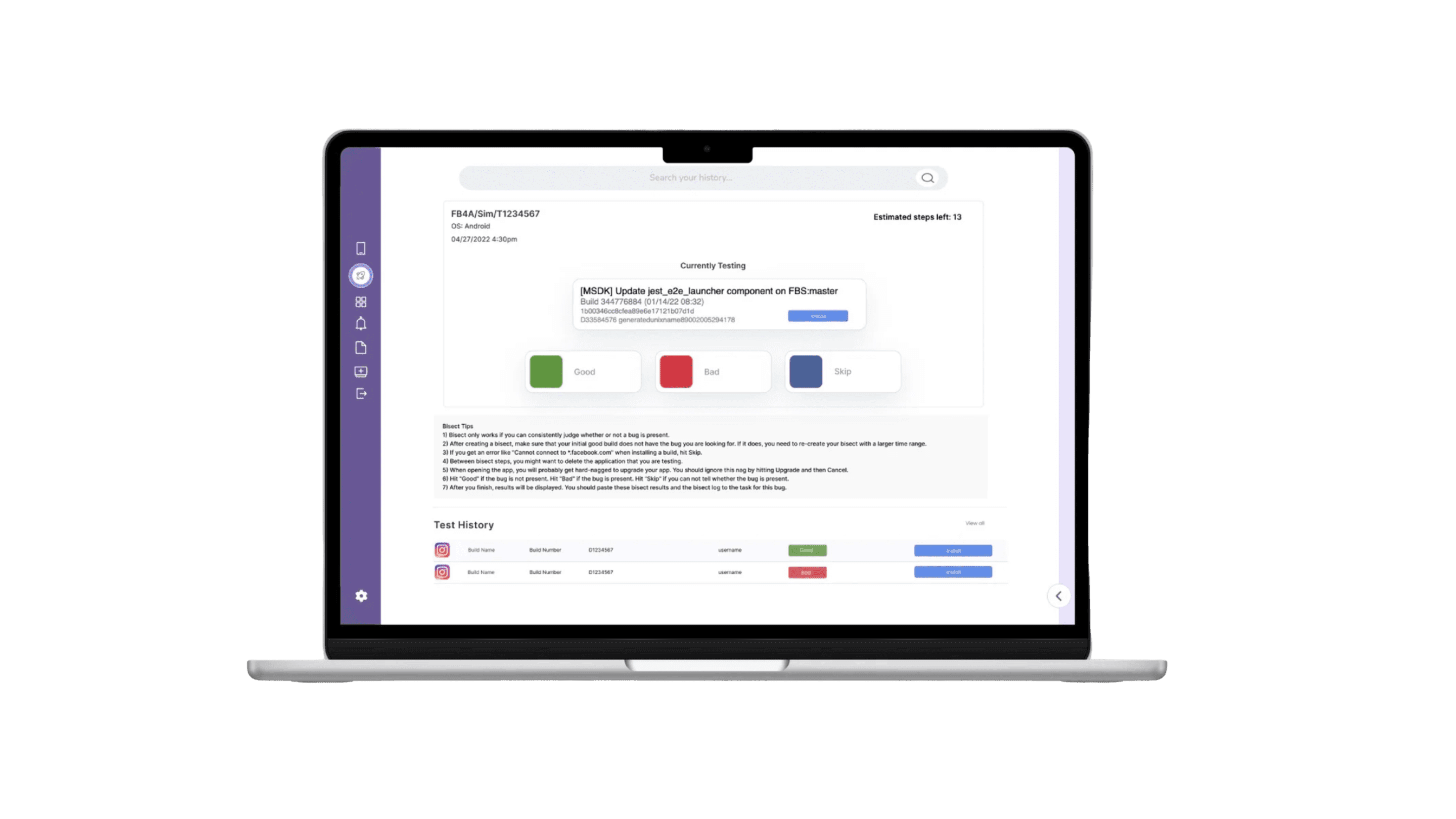
Redesigned an internal enterprise tool used by operational teams at Meta
Reduced user errors and improved task efficiency across complex workflows
Simplified dense interfaces while preserving power and flexibility
Improved internal user confidence and adoption
Overview
Role: Product Designer
Timeline: 2022
Focus: Internal tools, efficiency, error reduction
I led the redesign of an internal enterprise tool at Meta used by operational teams to manage complex, high-volume workflows. The tool supported critical internal processes, and even small usability issues had outsized impacts on efficiency and accuracy.
Because the product was internal-facing, the challenge was not visual polish, but clarity, reliability, and scale.
Problem
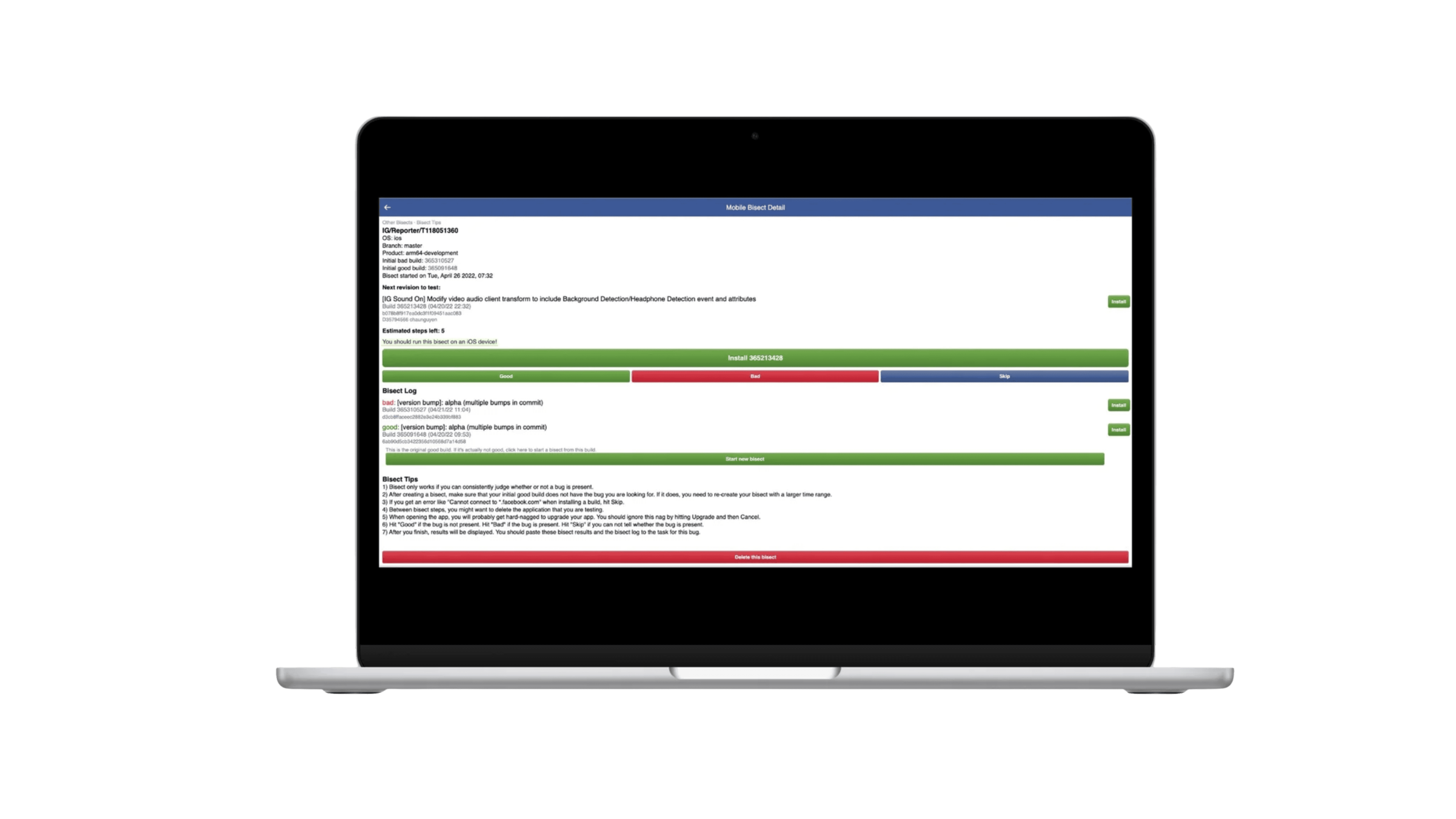
Over time, the tool accumulated UX debt that made everyday tasks harder than necessary.
Key issues included:
Dense, overloaded interfaces with unclear priorities
Ambiguous controls that led to frequent user errors
Inefficient workflows that slowed experienced users
Limited affordances for error prevention or recovery
As usage scaled, these issues increasingly impacted productivity and trust in the system.
Research & Insights (Approach)
To understand real usage patterns, I focused on observing how the tool was used in practice. I:
Interviewed internal users across different roles to understand daily workflows
Identified high-frequency and high-risk tasks where errors were most costly
Mapped end-to-end user journeys to surface redundancies and friction
Audited existing patterns to understand where inconsistency caused confusion
A key insight emerged:
Users didn’t need more features — they needed clearer structure and better feedback.
Solution
I redesigned the tool to reduce cognitive load while maintaining its flexibility.
Key improvements included:
Reorganizing layouts around primary tasks instead of system architecture
Simplifying information hierarchy to surface the most important actions
Introducing clearer system states and feedback to prevent errors
Standardizing components to improve consistency and learnability
Design decisions focused on helping users move faster with greater confidence, especially during repetitive or high-stakes tasks.
Validation & Results (Impact)
The redesigned experience was validated through internal reviews and usability testing.
Outcomes included:
Reduced user error rates
Faster task completion for core workflows
Improved confidence and adoption among internal teams
A more scalable foundation for future feature development
Even incremental improvements translated into meaningful efficiency gains at scale.
Reflection
This project reinforced the importance of investing in internal tools. When internal users are supported with clear, thoughtful design, the impact compounds across teams and systems.
Designing for enterprise environments requires restraint, empathy, and a deep understanding of how work actually gets done.
year
2022
timeframe
3 months
tools
Figma
category
B2B